If you do serious creative work for a living — animating a brand video in Adobe After Effects, building architectural drawings in AutoCAD, or cutting broadcast commercials in DaVinci Resolve — your laptop is eventually going to feel like you’re trying to run a marathon in flip-flops. A dedicated workstation tower is simply a desktop computer engineered from the ground up for sustained, heavy creative work: it uses components validated for reliability under load, supports professional graphics cards with certified drivers, and can hold far more RAM and storage than any laptop. This article compares two of the most popular entry-level workstation towers for freelancers in 2026 — the Dell Precision 3680 and the Lenovo ThinkStation P3 Tower, both priced in the $800–$1,500 range to start, configurable upward from there. We’ll show you exactly where the differences matter for motion design and CAD work, name the tradeoffs honestly, and leave you with a clear decision rule.
What “Entry-Level Workstation” Actually Means Here
Before we pit these two machines against each other, let’s be precise about the category. Neither the Precision 3680 nor the ThinkStation P3 Tower is a gaming PC that someone slapped a professional sticker on. Both ship with ECC RAM (error-correcting code memory, which silently fixes single-bit memory errors before they corrupt a six-hour render), both support ISV-certified GPU drivers (meaning graphics software makers like Autodesk, Adobe, and SideFX have formally tested their software against the GPU in your specific configuration), and both carry multi-year on-site service warranties that a gaming rig simply doesn’t offer.
That said, “entry-level workstation” is doing real work in describing their limits. Neither machine supports dual-socket CPU configurations, neither approaches the PCIe lane count of a Threadripper Pro platform, and neither is designed for a render farm context. They are single-socket, single-GPU machines built for the freelancer running one seat of Houdini, one seat of Revit, or a motion graphics pipeline that doesn’t yet involve a dedicated render node. If that describes your situation right now, read on. If you’re already budgeting above $5,000, our coverage of RTX 4000 Ada mid-tier configurations will serve you better.
How the Specs Stack Up: A Direct Comparison
Both machines ship on Intel’s Core Ultra 200 (Arrow Lake) and 14th-gen Core HX platforms as of mid-2026, with configurable options ranging from the Core i5 base all the way to Core i9 and Xeon W SKUs depending on the configuration line you choose.
Base to mid-spec configured pricing (May 2026, Dell and Lenovo direct configuration tools; street pricing through authorized resellers typically runs 8–12% lower):
| Configuration | Dell Precision 3680 | Lenovo ThinkStation P3 Tower |
|---|---|---|
| Base (Core i5, 16 GB ECC, T400 GPU) | ~$879 | ~$929 |
| Mid (Core i7, 32 GB ECC, RTX 4000 SFF Ada) | ~$1,349 | ~$1,389 |
| Configured ceiling (Core i9, 64 GB ECC, RTX 4000 SFF Ada) | ~$1,849 | ~$1,899 |
The numbers are close enough that chassis design, upgrade path, and software ecosystem become the deciding factors — and that’s exactly where the real differences live.
Head-to-Head: Three Dimensions That Actually Separate These Machines
Chassis Size, Thermals, and the Upgrade You’ll Want in 18 Months
The Precision 3680 ships in a minitower form factor that Dell rates for tool-less access to most expansion bays. Published specs list two PCIe x16 slots and two PCIe x4 slots, a 460W power supply at the base configuration, and approximately 8 liters of internal volume. That PSU ceiling matters in practice: if you configure an RTX 4000 SFF Ada (70W TDP) today and later want to drop in an RTX 4500 Ada (100W) in year two, the Dell’s 460W supply handles it cleanly. Tom’s Hardware’s review of the Dell Precision 3680 (Tom’s Hardware, tomshardware.com) notes that Dell’s thermal engineering keeps the chassis notably quiet under sustained workloads — a real quality-of-life advantage if your workstation shares a room with a recording booth or client-facing space.
The ThinkStation P3 Tower ships in a standard tower form factor with a claimed internal volume of approximately 18.9 liters — roughly twice the interior real estate of the Dell. PC Magazine’s review of the Lenovo ThinkStation P3 Tower (PC Magazine, pcmag.com) consistently highlights this as a meaningful practical advantage: Lenovo fits a 500W power supply standard and ships with a physically larger cooler that reviewers note keeps CPU temperatures more conservative under prolonged all-core loads. If you plan to run 3D rendering jobs overnight or sustain long simulation exports in Revit or SOLIDWORKS, the ThinkStation P3’s thermal headroom gives it a meaningful edge. The Lenovo also ships with one additional full-length PCIe x16 slot in most configurations, which matters if your pipeline eventually demands a capture card alongside your GPU — common in broadcast and post-production work.
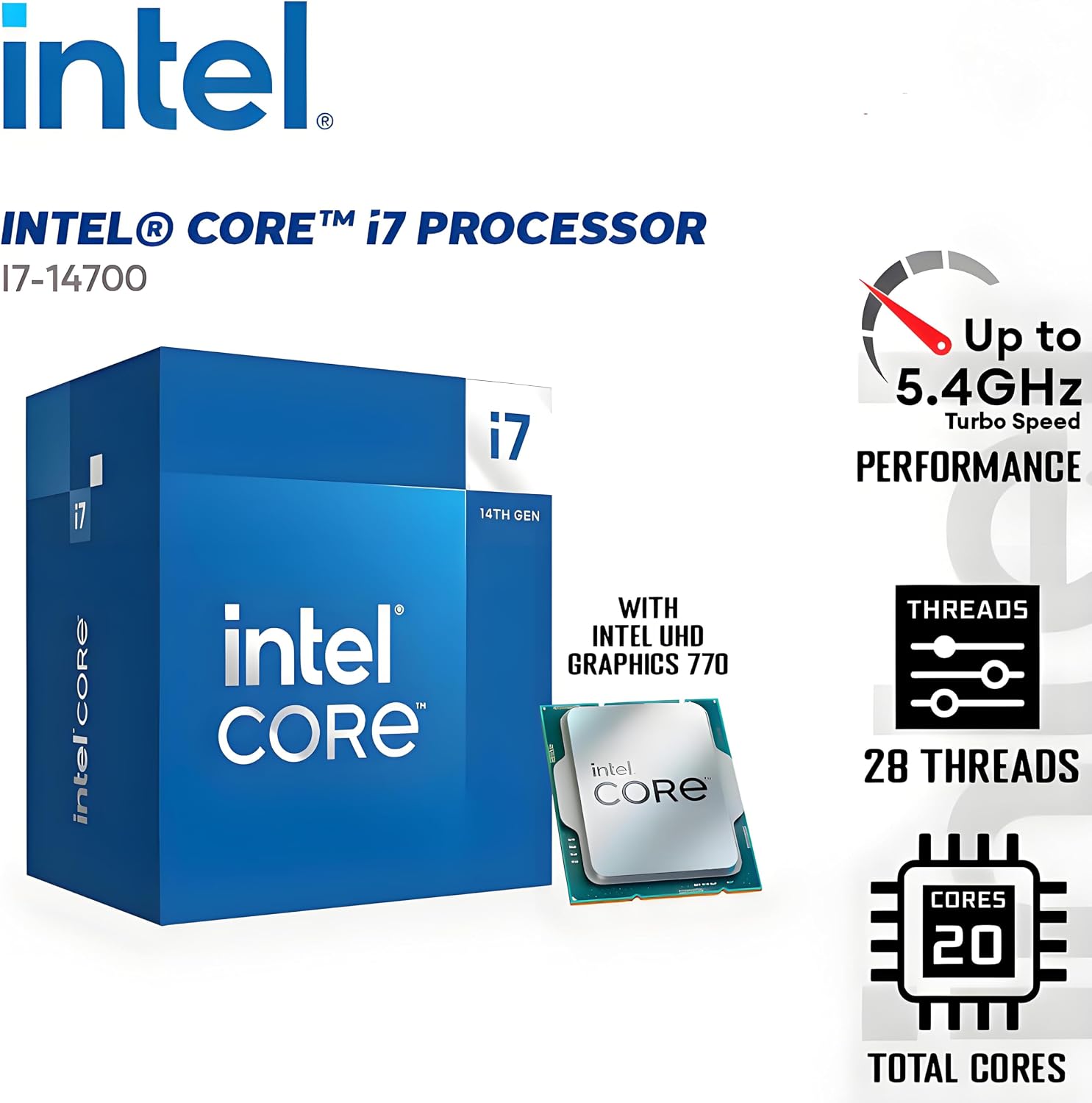
Dell
$1,419.99
In stock on Amazon
Check price on AmazonGPU Options and the ISV Certification Question
Both machines are certified with NVIDIA RTX 4000 SFF Ada and NVIDIA T1000 GPUs through their respective ISV certification programs with Autodesk (AutoCAD, Maya, Revit), Adobe (After Effects, Premiere Pro), and SOLIDWORKS. When an Autodesk technical support engineer asks “what’s your certified configuration?” you have a clean answer on either platform.
Puget Systems’ published workstation recommendations for motion graphics and video editing (Puget Systems, pugetsystems.com) repeatedly make the point that for After Effects and Premiere Pro workflows, the RTX 4000 SFF Ada represents a strong value ceiling in this price tier. GPU-accelerated rendering in these applications scales well up to approximately 16 GB VRAM, which the RTX 4000 SFF Ada provides. Beyond that threshold, dollars are typically better invested in faster CPU clock speeds or additional system RAM rather than a higher-tier GPU.
NotebookCheck’s professional GPU benchmark roundup comparing the RTX 4000 SFF Ada and T1000 (NotebookCheck, notebookcheck.net) documents a significant performance gap in GPU-accelerated rendering tasks: the RTX 4000 SFF Ada leads by roughly 40–60% in CUDA-heavy workloads. For motion designers doing heavy Cinema 4D or Octane render work, that gap translates directly to render time and billable output per day. The T1000 is a legitimate choice only if your workload is primarily CAD viewport — where driver stability and certification matter more than raw compute throughput — and your budget genuinely cannot accommodate the Ada upgrade.
Ars Technica’s explainer on ISV certification and workstation GPUs (Ars Technica, arstechnica.com) makes an important nuance explicit: certification is configuration-specific, not GPU-generic. If you buy a Precision 3680 with a T1000 and later swap in a consumer GeForce RTX 4070, your configuration is no longer certified — and Autodesk and SideFX can legitimately decline support on driver-related issues. Staying within the certified GPU list isn’t just box-ticking; it’s protecting your support relationship with the software you depend on for income.
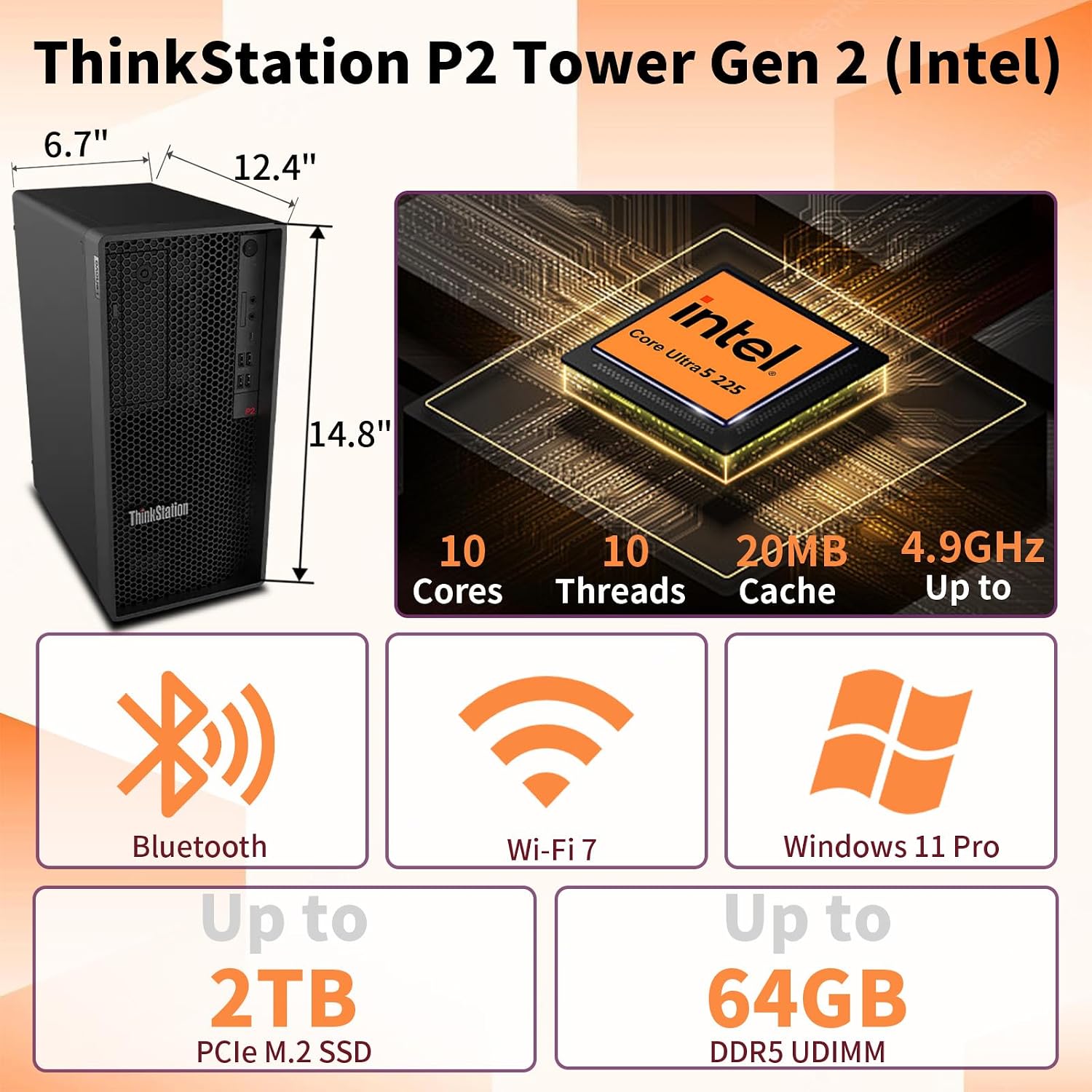
Lenovo
$759.05
In stock on Amazon
Check price on AmazonRAM, Storage, and the Configuration Decisions You’ll Regret Skimping On
Both machines support up to 128 GB ECC DDR5 in their current configurations. For After Effects work with complex compositions, 64 GB is the practical target; 32 GB is the acceptable starting point if budget is the constraint. Puget Systems’ published guidance on memory for video editing applications (Puget Systems, pugetsystems.com) consistently recommends 64 GB as the sweet spot for professional motion graphics pipelines, noting that After Effects in particular benefits disproportionately from headroom above 32 GB when managing multi-comp projects with heavy pre-renders cached to RAM.
On storage, both platforms support multiple M.2 NVMe slots. The ThinkStation P3 Tower’s larger chassis makes adding a second NVMe drive or a 3.5-inch spinning media archive drive simpler without cable management compromises. For a solo freelancer whose project library lives on an external NAS or RAID, the Dell’s tighter configuration is fine. For a small studio that wants internal project storage separated from the OS drive, the Lenovo’s physical layout is more accommodating.
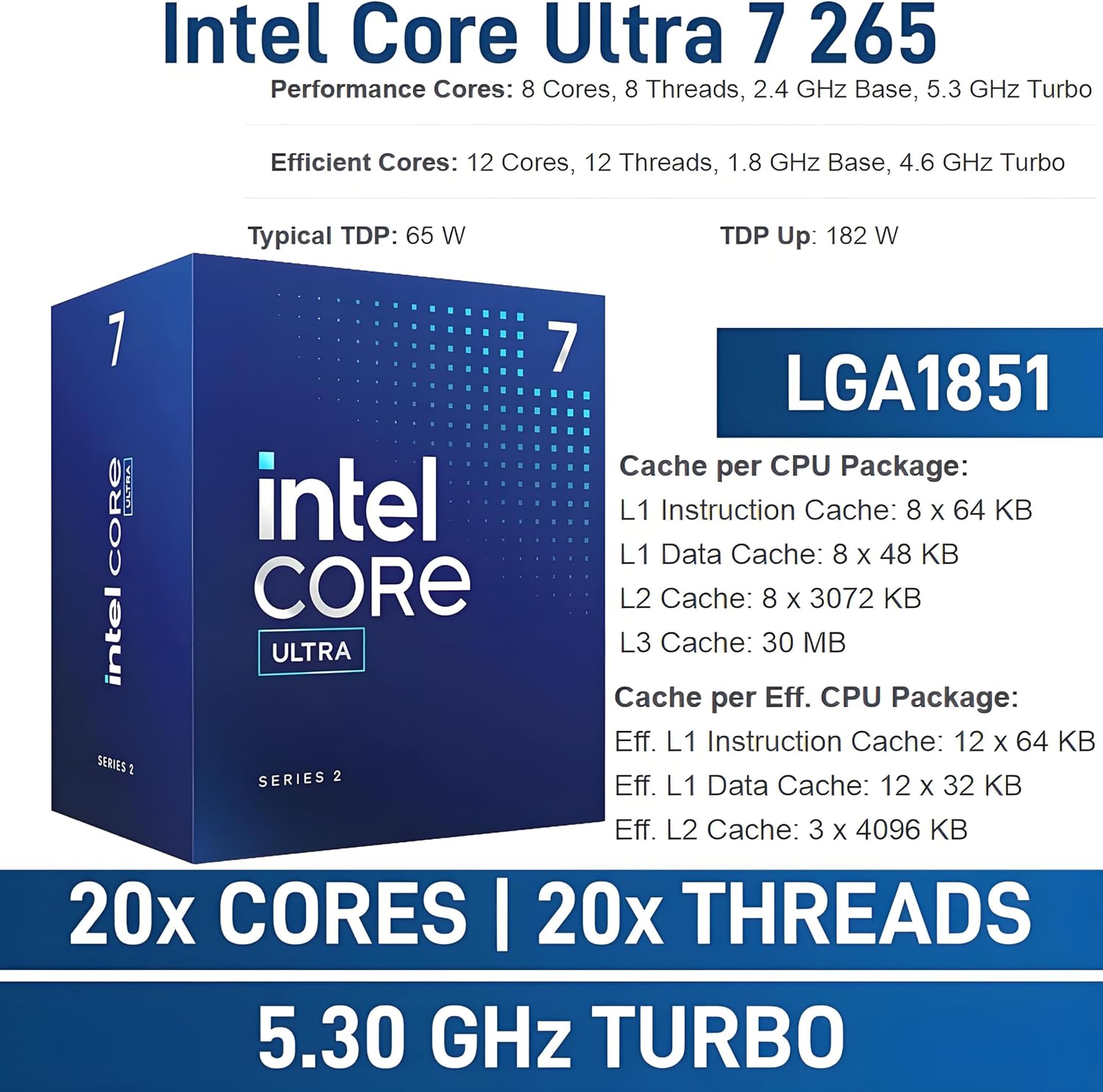
Dell
$1,999.99
In stock on Amazon
Check price on AmazonWhere Dell Wins, Where Lenovo Wins
Let’s be direct about the tradeoffs rather than burying them.
Dell Precision 3680 has the edge if:
- You need the smallest physical footprint — it fits cleanly under a drafting desk or in a cramped home office.
- You’re buying a single machine and plan to manage it yourself. Dell’s ProSupport infrastructure is widely regarded as responsive for single-seat freelancers, and the 3-year ProSupport Plus warranty is typically straightforward to add at checkout.
- You’re a motion designer working primarily in Adobe Creative Cloud applications. Per Tom’s Hardware’s review of the Precision 3680 (Tom’s Hardware, tomshardware.com), the Dell’s quieter under-load noise profile is a genuine quality-of-life advantage in a shared workspace.
- Your budget needs to stay under $1,400 configured. The Dell’s mid-spec configuration reliably comes in slightly under the comparable Lenovo at equivalent specs.
Lenovo ThinkStation P3 Tower has the edge if:
- You’re doing overnight rendering or sustained simulation work where CPU thermal headroom matters. The P3’s larger chassis and more substantial stock cooling give it a more comfortable sustained-load profile, as documented in PC Magazine’s ThinkStation P3 Tower review (PC Magazine, pcmag.com).
- You anticipate adding a PCIe capture card, a second M.2 NVMe drive, or additional storage bays within 12–18 months. The P3’s internal volume and additional expansion slots make that upgrade path cleaner.
- You’re a CAD/CAM engineer whose work involves large assembly files in SOLIDWORKS or PTC Creo. The P3’s thermal stability under sustained CPU-heavy workflows is the differentiating factor when the processor runs near TDP for hours at a time.
- You’re buying two or more seats. Lenovo’s volume procurement and SMB leasing terms are generally more favorable for small-studio purchases than Dell’s comparable programs, and the P3’s standardized chassis simplifies IT imaging and maintenance across multiple units.
The Configuration Decision You Actually Have to Make
Here’s the honest math: the difference between a base-configured T1000 machine and a properly configured RTX 4000 SFF Ada machine is approximately $400–$500 at the mid-tier. If you’re billing at a professional freelance rate — even a modest $65–$85/hour — and the GPU upgrade saves you 30 minutes of render time per working day, it pays back in under two months. For motion designers and VFX artists, the RTX 4000 SFF Ada configuration is the one worth specifying, supported by NotebookCheck’s benchmark data showing its 40–60% CUDA performance advantage over the T1000 (NotebookCheck, notebookcheck.net). For CAD engineers whose work is viewport-heavy rather than render-heavy, the T1000 remains a defensible save.
On GPU certification, keep Ars Technica’s guidance in mind (Ars Technica, arstechnica.com): upgrading to a non-certified consumer GPU later voids your ISV support standing. Budget the certified GPU now rather than planning a swap later.
The Decision Rule
If your primary work is motion graphics or VFX in Adobe or DCC software, you want the smallest quiet box that fits the RTX 4000 SFF Ada, and you’re buying one seat: configure the Dell Precision 3680 with a Core i7, 32 GB ECC, and the RTX 4000 SFF Ada. It’s the tighter, quieter machine at a marginally lower price, and the ProSupport experience for a single freelancer is well-regarded.
If your primary work is CAD/CAM or simulation, you run sustained all-core workloads overnight, or you’re buying two or more seats for a small studio: configure the Lenovo ThinkStation P3 Tower with a Core i7 or Core i9, 32–64 GB ECC, and the RTX 4000 SFF Ada. The thermal headroom, expansion room, and procurement flexibility make it the better long-term platform.
Neither machine will feel like a compromise once it’s running. The freelancer who upgraded from a consumer desktop or a laptop to either of these will notice the difference immediately in viewport smoothness, render queue stability, and the simple absence of thermal throttling during a deadline crunch. That’s exactly what a workstation is supposed to deliver — and at this price tier, both of these do it well.