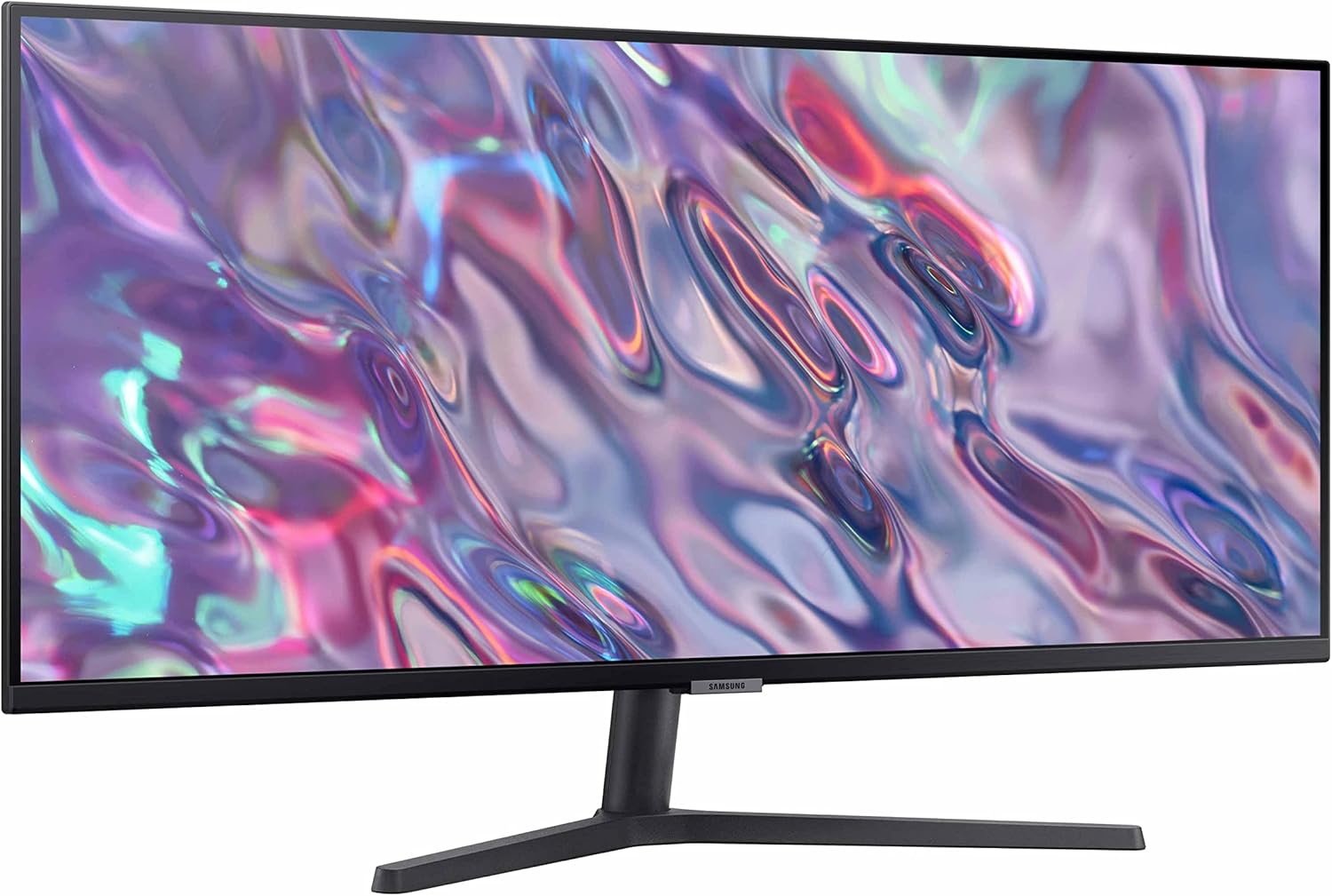
If you edit video for a living — or you’re building toward that — your monitor is your most-used tool, full stop. Unlike a CPU or a GPU that churns away in the background, the display is the surface where every decision happens: where you cut, where you color-correct, and where you judge whether a shot is broadcast-ready. “Ultrawide” monitors (typically 34 to 49 inches wide, with an aspect ratio of 21:9 or 32:9 instead of the standard 16:9) promise more horizontal screen space — meaning your editing timeline, your tool panels, and your preview window can all live side by side without overlapping. “Large-format” monitors (32 inches and above in a standard 16:9 shape) promise a bigger canvas at the same familiar shape. The question this article answers is which approach actually serves broadcast editors better, at which budget, and where the spec sheet really matters versus where it’s marketing noise. Whether you’re freelancing out of a spare room or spec’ing a multi-seat finishing suite, we’ll lay out the tradeoffs clearly.
| EDITOR'S PICKLG 32UR500K-B Ultrafine 32-inch… | Mid-tier[ViewSonic VX3276-4K-MHD 32 Inch](https://www.amazon.com/dp/B07SRDX1Z1?tag=greenflower20-20)… | Budget pickSAMSUNG 34" ViewFinity S50GC Se… | |
|---|---|---|---|
| Resolution | 3840x2160 | 3840x2160 | 3440x1440 |
| Refresh rate | — | — | 100Hz |
| Panel Type | — | IPS | — |
| Built-in Speakers | ✓ | — | — |
| FreeSync | — | — | ✓ |
| Price | $308.00 | $254.99 | $208.99 |
| See on Amazon → | See on Amazon → | See on Amazon → |
Why Broadcast Editing Has Different Demands Than General Creative Work
A motion designer or an architect can get away with a monitor that’s “close enough” on color. A broadcast editor finishing content for delivery to streaming platforms, network air, or cinema release cannot. The downstream mastering chain — Dolby Vision, HDR10, HLG (Hybrid Log-Gamma, a format developed for broadcast-over-air HDR content) — exposes every compromise in your monitoring environment.
There are two distinct functions happening at an editor’s desk that a single monitor often has to serve simultaneously:
1. Interface real estate: Your NLE (non-linear editor — software like DaVinci Resolve, Adobe Premiere Pro, or Avid Media Composer) has a timeline at the bottom, a source/record monitor at the top, and a cluster of panels — bins, effects, scopes — competing for the remaining space. On a standard 27-inch 1080p or 1440p monitor, those panels constantly crowd each other. An ultrawide or large-format display gives you room to breathe.
2. Critical preview monitoring: When you need to judge a client deliverable against a color spec — say, a P3-D65 wide gamut master for a streaming platform — you need accurate, calibrated color. This is where “HDR capable” marketing language requires serious interrogation.
The tension is real: the features that make a monitor great for interface work (high refresh rate, matte coating, wide viewing angle) sometimes conflict with what makes a monitor great for critical color work (factory calibration, hardware LUT support, peak luminance accuracy). Puget Systems’ monitor recommendations page for video editing workstations explicitly flags this dual-monitor approach — a large calibrated display for the primary image, a secondary display for tools — as the professional standard for high-stakes finishing work.
The 34-Inch Ultrawide: Where It Earns Its Keep (and Where It Doesn’t)
The 34-inch ultrawide category — typically running at 3440×1440 (UWQHD) resolution — is the most popular starting point for editors stepping up from dual-monitor setups. The math is intuitive: you’re getting approximately the same total pixel count as two 1080p monitors side by side, but in a single seamless panel without a bezel gap splitting your timeline.
PC Mag’s roundup of ultrawide monitors consistently identifies the LG 34WP85C-B and similar IPS-panel ultrawides as strong editorial picks for NLE work, praising the horizontal span for timeline management while noting that peak HDR brightness (typically 400 nits in this price range) limits their use for critical HDR grade review. That distinction matters enormously depending on your role. If you’re an offline editor — cutting selects, building sequences, rough-cutting narrative — 34-inch UWQHD is arguably the best single-monitor investment you can make. Your timeline becomes genuinely usable at full zoom-out on a 90-minute feature without horizontal scrolling eating your attention.
If you’re a finishing colorist or a broadcast QC (quality control) supervisor whose job is to sign off on HDR deliverables, a 34-inch consumer ultrawide is the wrong tool entirely, regardless of its marketing language. Studio Daily’s coverage of HDR monitoring in post-production draws a clear line between “HDR-compatible” panels (which can display HDR metadata but don’t accurately represent peak highlights) and true reference monitors (which meet the brightness, black level, and color volume specs required for deliverable review).
By the numbers:
| Display type | Typical peak brightness | Color gamut coverage | Calibration standard |
|---|---|---|---|
| Consumer ultrawide (HDR400) | ~400 nits | ~95% DCI-P3 | Factory only |
| Pro IPS wide-gamut (HDR600–1000) | 600–1,000 nits | 99%+ DCI-P3 | Hardware LUT, re-calibratable |
| Broadcast reference (e.g., EIZO CG319X) | 1,000+ nits | 98%+ BT.2020 approx. | 3D LUT, built-in sensor |
The 32-Inch 4K vs. 49-Inch Super-Ultrawide: The Two Upgrade Paths
Once you’ve outgrown 34 inches — or you’re spec’ing a dedicated finishing station — two diverging paths open up.
Path 1: The 32-inch 4K wide-gamut calibrated display
This is the path Puget Systems consistently recommends for colorists and finishing editors. A 32-inch 4K panel (3840×2160) at the EIZO ColorEdge CG series tier or the NEC MultiSync PA series gives you pixel-accurate 1:1 monitoring of a 4K signal, hardware LUT support for 3D calibration profiles, and a built-in calibration sensor on premium configurations. You’re spending $1,800–$3,500 for the monitor alone, but you’re buying an actual reference tool, not a reference-grade-looking tool. Videomaker’s buyer guide on broadcast monitors specifically recommends hardware-LUT-equipped displays for any workflow where a client will review color on the same screen.
The tradeoff: a 32-inch 4K display does nothing for your interface real estate problem. You’ll still want a secondary panel for your bins and tool palettes. Most professional finishing suites run exactly this configuration — reference display center-stage, utility panel to the side.
Path 2: The 49-inch super-ultrawide (32:9)
The Samsung Odyssey G9 and its successors — running at 5120×1440 in a 49-inch 32:9 panel — represent the logical endpoint of the ultrawide concept. Based on published specs and aggregated editor reviews across professional forums, owners consistently report that the 49-inch format eliminates the interface-crowding problem entirely. In DaVinci Resolve, you can float a full-size Color page with scopes, a source monitor, and a timeline on a single panel without any overlap or tab-switching. Tom’s Hardware’s ultrawide coverage notes that the pixel density on 49-inch 5K2K panels (approximately 109 PPI) is lower than the 32-inch 4K option, which matters for fine text legibility in dense panel interfaces.
The HDR story on super-ultrawides is mixed. The Samsung Odyssey Neo G9 — moving to a Mini LED backlight with higher peak brightness zones — pushes closer to HDR1000 specification than earlier VA panel iterations, but independent reviewers including Tom’s Hardware flag local dimming artifacts on high-contrast editorial content (bright text on dark timelines, for example) as an ongoing limitation. These are not reference monitors, and no working colorist should use them as a primary grade display. As an editorial workspace display, though? Owners report them to be genuinely transformative.
HDR Spec Decoded: What Actually Matters for Your Workflow
The HDR certification landscape is worth decoding plainly, because monitor marketing leans heavily on HDR badging with very little standardization.
HDR400 (DisplayHDR 400, the VESA standard requiring 400 nits peak brightness): This is the entry-level certification. It’s found on virtually every monitor marketed as “HDR” at consumer price points. For editing work, it provides minimal practical benefit over SDR — you’ll see more metadata-tagged content displayed, but you won’t see an accurate representation of the full HDR luminance range a viewer would see on a capable television.
HDR600 and HDR1000: These tiers — requiring 600 and 1,000 nits of sustained peak brightness respectively — begin to approach meaningful HDR monitoring territory. Combined with full-array local dimming (where the backlight is divided into independent zones that can dim behind dark areas of the image), HDR1000-rated displays start to approximate the experience of checking highlights against a reference monitor for rough review passes.
True broadcast reference HDR monitoring (EIZO ColorEdge CG319X, Sony BVM-HX310, Canon DP-V3120): These displays are rated at 1,000 nits or higher with hardware-accurate tone mapping, 3D LUT support, and calibration traceability. They cost $3,000 to $30,000+. If you’re finishing content for a Dolby Vision deliverable or an HDR10+ streaming specification and your client expects QC sign-off, this is the category you need — or the category your facility’s QC suite needs, even if your editorial workstations run something less expensive.
Studio Daily’s HDR monitoring coverage draws this line clearly: there is a meaningful difference between monitoring in HDR and monitoring to HDR spec. Most editors working outside dedicated finishing suites are doing the former.
The Decision Framework: If X, Then Y
Here’s where we make this concrete. These aren’t hypothetical scenarios — these map to the actual purchasing decisions editors in different pipeline roles are navigating in 2026.
If you’re an offline editor cutting narrative content at a flat day rate or on a per-project basis: A 34-inch UWQHD IPS panel in the $500–$900 range is the right call. You’re optimizing for timeline real estate and fatigue reduction across long sessions. You don’t need reference HDR; your grade isn’t happening on this screen. LG’s 34-inch lineup, Dell’s UltraSharp 34 curved series, and equivalents in this tier get strong owner marks for color consistency and panel uniformity without the calibration overhead.
If you’re a one-person finishing shop handling both edit and color: Budget for a 32-inch wide-gamut calibrated display as your primary (EIZO ColorEdge CG2700S is the commonly recommended mid-tier entry point) and add a secondary 27-inch utility panel for your tool palettes. This two-screen configuration is what Puget Systems recommends for professional color work, and the math — spending $1,500–$2,000 on a calibrated primary rather than $1,200 on a large uncalibrated consumer panel — reflects what the professional workflow actually requires.
If you’re a multi-seat facility manager spec’ing editorial workstations for a team of 4–8 offline editors: The 49-inch super-ultrawide is worth a serious look at current pricing ($800–$1,600 for the Samsung Odyssey Neo G9 tier). Owner reports from production environments consistently flag reduced context-switching fatigue and faster rough-cut throughput when editors have full NLE panel access without scrolling or tab management. Run the math against the productivity argument — at $1,200 per seat for eight editors, you’re spending $9,600 on displays that, per published reviews, materially reduce the time each editor spends managing screen layout rather than the cut.
If you’re a colorist or broadcast QC supervisor with a single finishing station: Skip every consumer display category entirely. Your budget belongs in a hardware-calibrated panel with 3D LUT support and re-calibration capability. EIZO ColorEdge CG319X or equivalent is the reference point; Sony and Canon’s broadcast reference lines are the ceiling. This isn’t a “nice to have” — it’s the instrument you’re signing off deliverables with, and your professional liability rests on its accuracy.
The 34-inch question the headline asks has a real answer: 34 inches is the right size for editors who need interface space and don’t need reference color. For everyone else, the question is whether you need more size or more accuracy — and those are different upgrades, solved by different products, at different price points.